

Description
URL Autolinker by Jerin.ca automatically converts your saved keywords (aliases) into links inside your content.
Add a URL, assign one or more aliases, and the plugin will link those aliases when they appear in your posts/pages.
Each saved URL can have its own link behavior (open in a new tab, nofollow), and you can export/import your Saved URLs to move rules between sites.
If you want advanced controls and AI-powered internal-link suggestions, an optional Pro upgrade is available.
Pro adds powerful content controls, exclusions, limits, performance options, and AI Links (Smart Suggestions + Zero-Link Posts) so you can plan internal linking faster.
Free Features:
– Save URLs with one or more aliases (keywords).
– Automatically link aliases to the saved URLs in post content.
– Per-link options: open links in a new tab, add nofollow.
– Export and import your Saved URLs.
Pro Features (Available Now):
– Link limits (per-alias per-paragraph, and total links per post).
– Post type whitelist + post/page blacklist controls.
– Exclude HTML areas (headings, lists, tables, code, etc.).
– Optional: skip targets already linked manually.
– Optional: cache compiled rules for faster performance.
– AI Links: Smart Suggestions — analyzes a full post/page and suggests internal links (target + anchor words).
– AI Links: Zero-Link Posts — helps identify posts/pages that likely need internal links.
– Review-first workflow — you choose what to save/apply.
– Save selected AI suggestions into Saved URLs for consistent auto-link rules.
– License status + Pro enable/disable toggle.
License
This plugin is licensed under the GPLv2 or later.
See https://www.gnu.org/licenses/gpl-2.0.html for details.
Screenshots
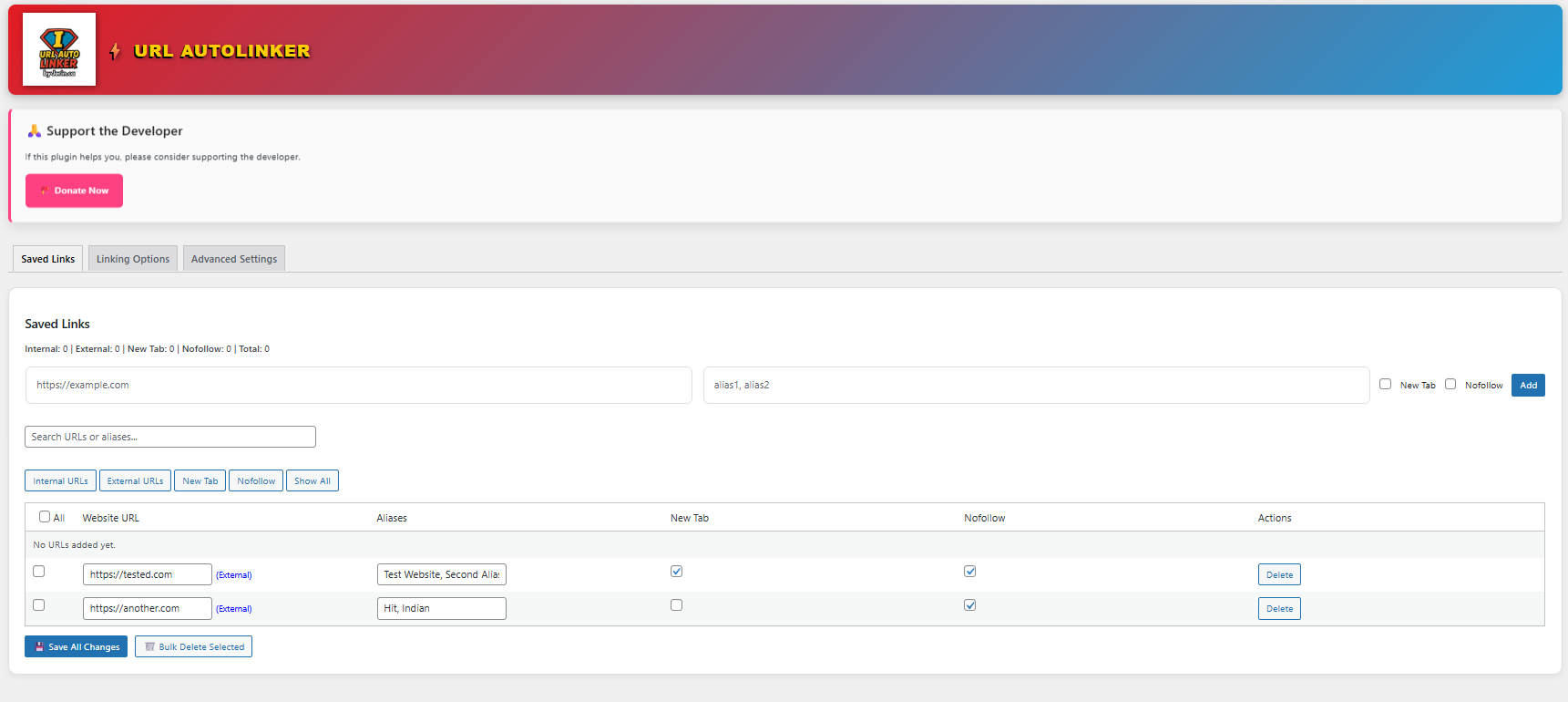
Add and manage Saved URLs with one or more aliases (keywords). 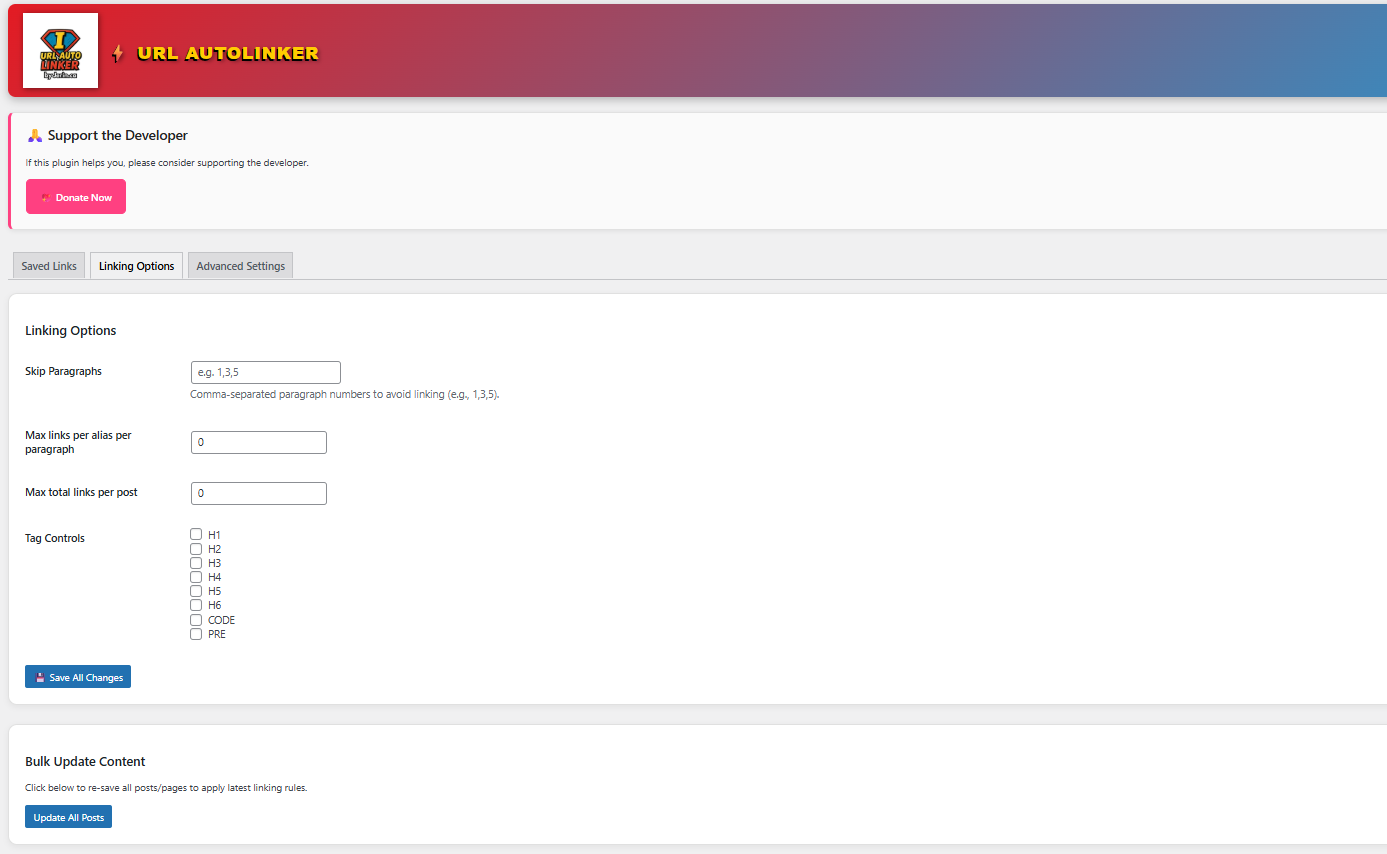
Saved links table with edit/delete options and per-link settings (new tab, nofollow). 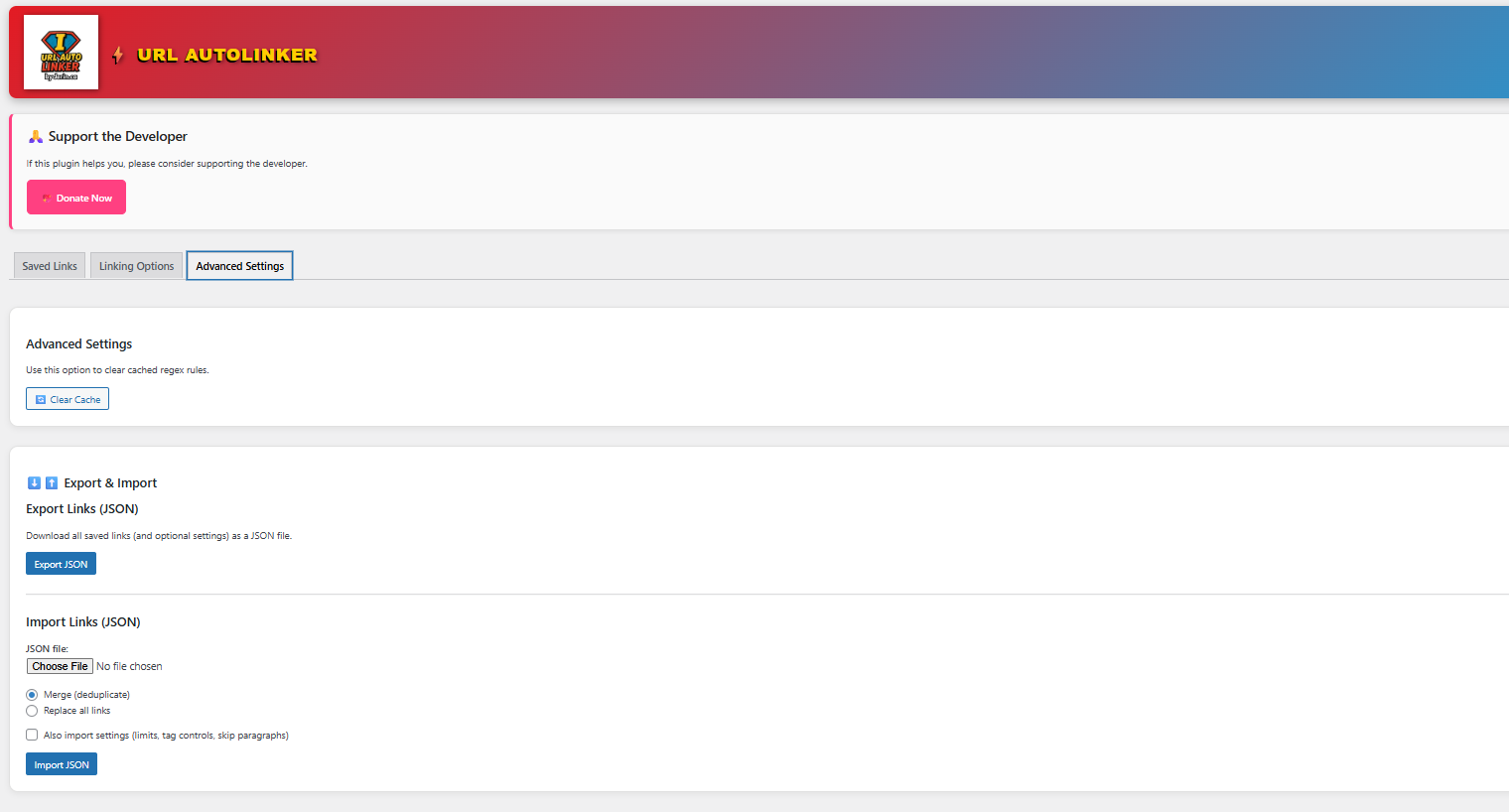
Pro features banner in the admin panel (AI Links and advanced controls available in Pro).
Installation
- Upload the plugin files to the
/wp-content/plugins/url-autolinker/directory, or install the plugin through the WordPress plugins screen directly. - Activate the plugin through the ‘Plugins’ screen in WordPress.
- Navigate to URL Autolinker in the WordPress admin menu.
- Add your URLs and aliases, choose link options (new tab / nofollow), and save.
FAQ
-
What features are free?
-
Free includes saving URLs with aliases, auto-linking those aliases in content, per-link new tab and nofollow options, and export/import of your Saved URLs.
Advanced controls, limits, exclusions, performance options, and AI Links are part of Pro. -
Will this plugin affect existing links?
-
It will not rewrite links you add manually. Pro includes options to skip targets already linked manually and to reduce duplicates.
-
Does this work with custom post types?
-
Pro includes post type controls (whitelisting) and post/page blacklist options. If your site uses custom post types heavily, Pro is recommended for precise control.
-
Can I export/import my saved URLs?
-
Yes. You can export your Saved URLs and import them later (or move them to another site).
-
Is there a Pro version?
-
Yes. Pro is available now and unlocks advanced controls plus AI Links (Smart Suggestions + Zero-Link Posts).
-
Does AI Links automatically change my posts?
-
AI Links generates suggestions and you review them. You decide what to save/apply, and you can save selected suggestions into Saved URLs.
Reviews
There are no reviews for this plugin.
Contributors & Developers
“URL Autolinker by Jerin.ca” is open source software. The following people have contributed to this plugin.
Contributors
Translate “URL Autolinker by Jerin.ca” into your language.
Interested in development?
Browse the code, check out the SVN repository, or subscribe to the development log by RSS.
Changelog
2.14.5
- Pro (AI Links): Smart Suggestions now runs on the full post/page in one request (no line-by-line paragraph scanning).
- Pro (AI Links): Added “Add selected to Saved URLs” so suggestions can be saved as normal auto-link rules instead of directly editing posts.
2.12.5
- Improved admin data saving with pagination-safe merging and better duplicate prevention.
- Added export/import and bulk update enhancements.
2.0
- Added searchable, sortable admin table.
- Added per-paragraph and total post limits.
- Improved sanitization and validation.
- Introduced Pro banner for upcoming features.